How to Reset KitchenAid Dishwasher
A KitchenAid dishwasher is built to provide reliable cleaning performance, but like any appliance, it can occasionally stop working correctly. If the control panel freezes, the wash cycle won’t start, or error lights appear, performing a reset can often solve the problem without calling a technician.
In this guide, you’ll learn how to reset KitchenAid dishwasher models safely, why a reset is necessary, and what to do if resetting doesn’t solve the issue.
Why You May Need to Reset Your KitchenAid Dishwasher
Sometimes a KitchenAid dishwasher may stop responding because of temporary software glitches or power interruptions. Understanding the common reasons for a reset helps you choose the right troubleshooting method before calling for service.
Common reasons include:
- Control panel is unresponsive
- Dishwasher won’t start
- Cycle stops unexpectedly
- Flashing lights
- Power interruption
- Error codes after a storm or outage
Many of these problems disappear after a proper reset.
Before You Reset
Before performing any reset, it’s important to check a few basic things to avoid unnecessary troubleshooting. A simple issue like an open door or tripped breaker can often be the real cause.
- Make sure the dishwasher door is fully closed.
- Confirm the power supply is working.
- Check that the circuit breaker hasn’t tripped.
- Verify the Control Lock feature isn’t enabled.
If everything looks normal, continue with the reset.
Method 1: Perform the Standard Control Panel Reset
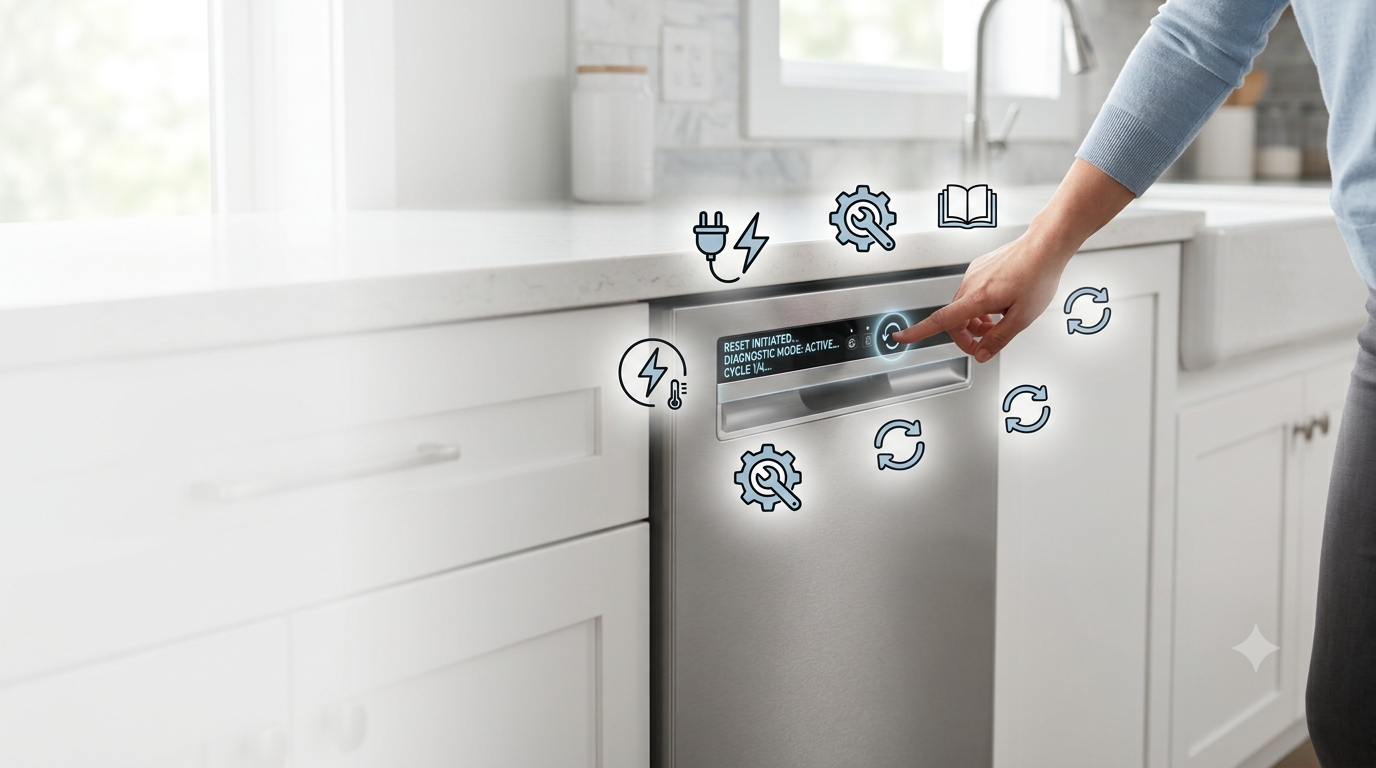
The control panel reset is the most effective method for fixing minor electronic issues. It clears temporary errors and runs a diagnostic cycle that can restore normal dishwasher operation.
Steps
- Close the dishwasher door.
- Press the following buttons:
Heated Dry → Normal → Heated Dry → Normal
or
High Temp → Heated Dry → High Temp → Heated Dry
(Some models use different button names.)
- All indicator lights should illuminate.
- The dishwasher enters diagnostic mode.
- Allow the diagnostic cycle to finish (usually 10–15 minutes).
This resets the electronic control board.
Method 2: Power Cycle the Dishwasher
If the button sequence doesn’t work, a complete power cycle is the next best option. Turning the power off and back on refreshes the dishwasher’s electronic system and often removes software glitches.
Steps
- Turn off the dishwasher.
- Switch OFF the circuit breaker.
- Wait 5–10 minutes.
- Restore power.
- Turn the dishwasher back on.
Many software-related issues disappear after a complete power cycle.
Method 3: Cancel the Current Cycle
Sometimes the dishwasher becomes stuck in the middle of a wash cycle and simply needs to be canceled. Restarting the cycle after draining can quickly restore normal operation.
Steps
- Press Cancel or Cancel/Drain.
- Wait until draining finishes.
- Start a new wash cycle.
This is useful if the dishwasher becomes stuck during operation.
Common Problems That a Reset Can Fix
A successful reset can solve many common dishwasher problems without replacing any parts. From blinking lights to an unresponsive control panel, resetting is often the first troubleshooting step.
- Frozen control panel
- Blinking lights
- Wash cycle won’t begin
- Cycle won’t finish
- Display errors
- Random beeping
- Power interruption issues
If the same problem returns frequently, additional troubleshooting may be necessary.
When a Reset Doesn’t Work
If the dishwasher still doesn’t operate correctly after resetting, the issue may be related to a hardware component. Checking the door latch, water supply, or control board can help identify the real problem.
Door Latch
A damaged or loose door latch prevents the dishwasher from recognizing that the door is securely closed. As a result, the appliance may refuse to start even though it has power.
Water Supply
Your dishwasher needs a steady water supply to begin and complete a wash cycle. A closed valve or blocked inlet hose can interrupt normal operation.
Float Switch
The float switch monitors the water level inside the dishwasher. If it becomes stuck, the machine may incorrectly detect excess water and stop running.
Drain Pump
A clogged or faulty drain pump prevents water from draining properly after each cycle. This can cause the dishwasher to stop or display an error..
Control Board
The control board is the dishwasher’s main electronic component and manages every function. If it fails, resetting the appliance usually won’t solve the problem, and professional repair may be required..
Common Error Symptoms
| Symptom | Possible Cause |
|---|---|
| Flashing Clean light | Software error |
| No lights | Power issue |
| Won’t start | Door latch or Control Lock |
| Stops mid-cycle | Sensor or control problem |
| Constant beeping | Error requiring reset |
Tips to Prevent Future Problems
Follow these maintenance practices.
- Clean the filter every month.
- Avoid overloading dishes.
- Use high-quality dishwasher detergent.
- Inspect spray arms regularly.
- Keep the door seal clean.
- Run a cleaning cycle once a month.
Routine maintenance helps reduce unexpected errors.
Final Thoughts
Knowing how to reset KitchenAid dishwasher models can save time and eliminate many common operational issues. In most cases, a simple control-panel reset or power cycle restores normal performance within minutes. If problems continue after resetting, inspect the door latch, water supply, drain system, or electronic control board before scheduling repairs.
Wait at least 5–10 minutes before restoring power.
No. A reset only clears temporary electronic errors.
Flashing lights often indicate an interrupted cycle, door issue, or electronic fault.
If the dishwasher still won't operate after multiple reset attempts, professional service may be required.
Yes. Many models support the control-panel reset sequence. If that doesn't work, perform a power reset.
- All Posts
- Buying Guides
- Commercial Kitchen
- Kitchen Equipment
- Product Reviews
- Tips & Maintenance